

1
Create an account and integrate Stripe
Create a PriceOS account by going to https://app.priceos.com.Then, integrate your Stripe account which will automatically import all of your products, prices, subscriptions, and customers.
If you haven’t created any products in your Stripe account yet, please do so or create a custom product in PriceOS.
2
Create a feature
- Go to the features page and click the New Feature button.
- Give the feature a name and select a type (Boolean or Limit).
- Click the Create feature button.
See Creating Features to learn more.
3
Define feature access
After creating a feature, you’ll be taken to the feature details page where you can define feature access for each of your products.Once you have made your changes, click the Save Changes button.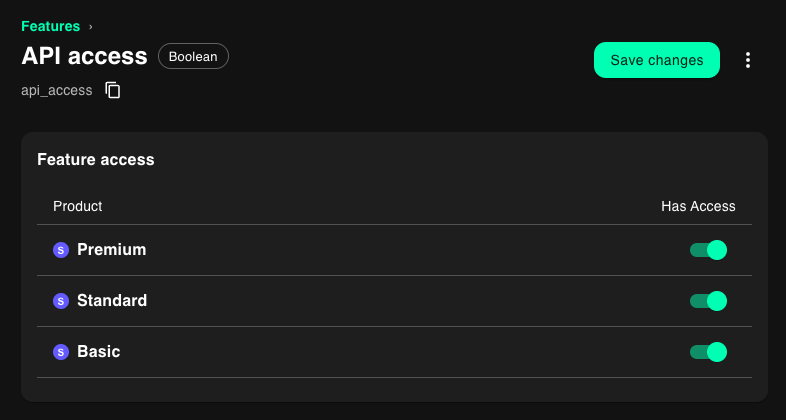
See Defining Feature Access to learn more.
4
Evaluate feature access
Now, you can evaluate feature access in your application.