

Stripe metadata (recommended)
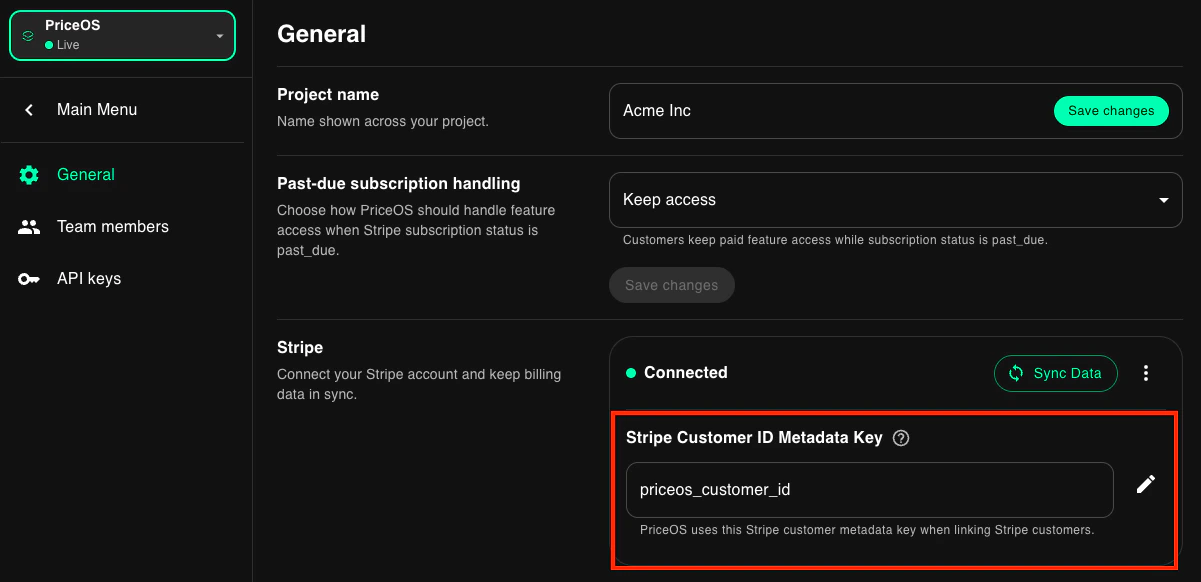
The easiest way to link a Stripe customer with your own internal ID is to add it to a Stripe customer’s metadata. This can be done when creating a Checkout Session using Stripe’s API. By default, if you name the metadata fieldpriceos_customer_id it will automatically be linked by PriceOS.
If you already have a metadata field for your internal customer ID or just want to use another name, you can specify it in your Settings.
Manually via API
You can also link Stripe customers to your internal customer ID using thelink endpoint.
This is safe to run even before the customer is created in our system.