

- Grant access to a feature for a single customer
- Increase or reduce a limit for a single customer
Overrides persist on customers until they expire or you remove them.
Create an override in the web app
1
Go to customer details page
Go to the customers page and find and click on a customer.
2
Click create override
Scroll down to the overrides section and click the Create Override button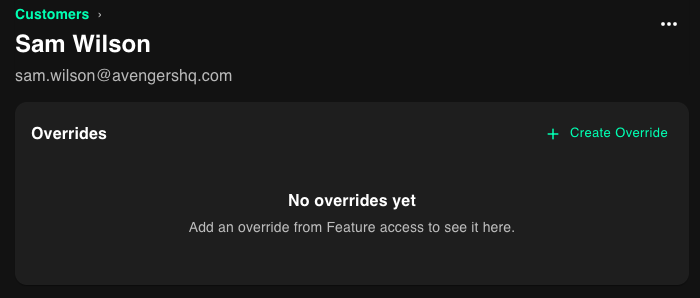
3
Set options
Select a feature, specify the feature access override, and optionally set a reason and expiration date.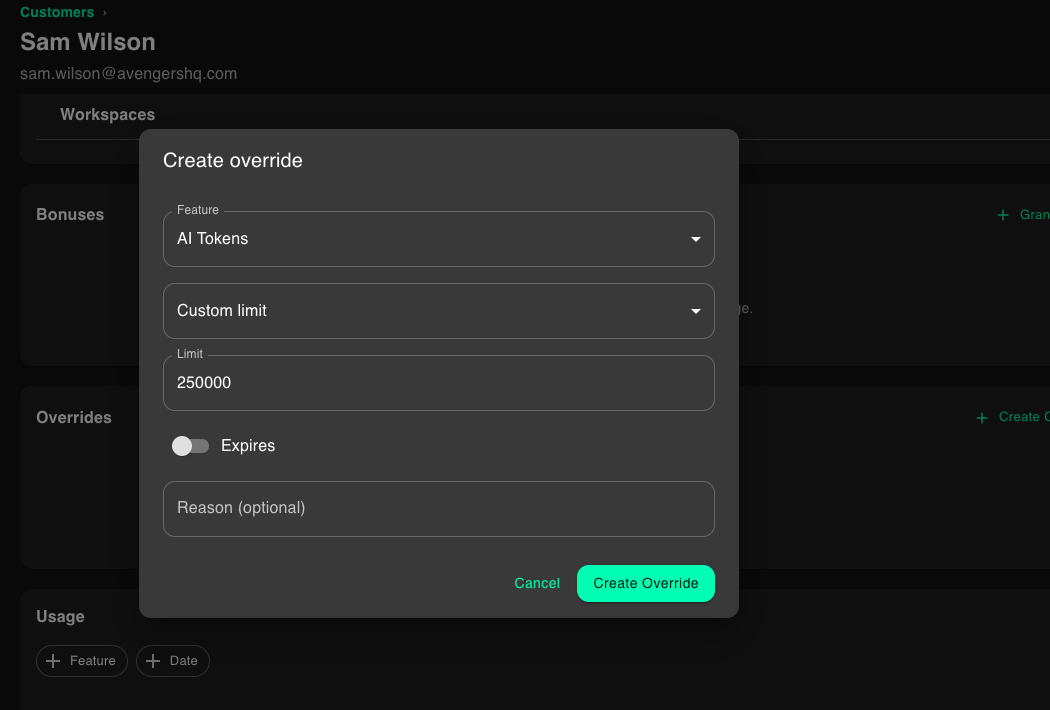
4
Save
Click the Create Override button