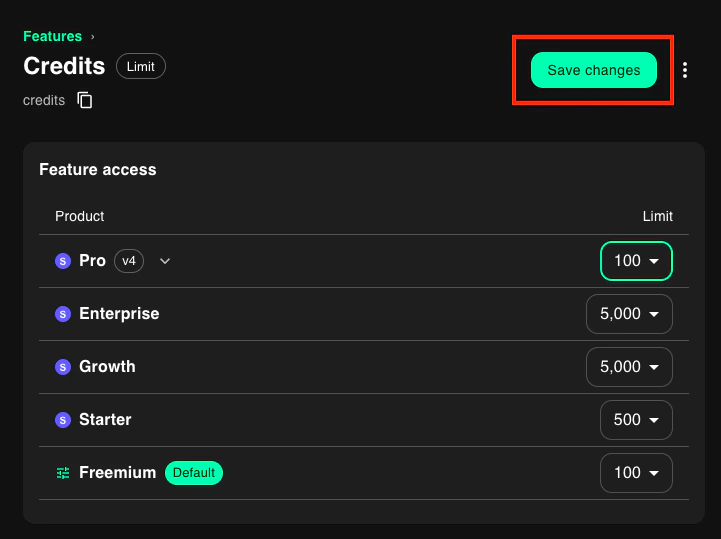
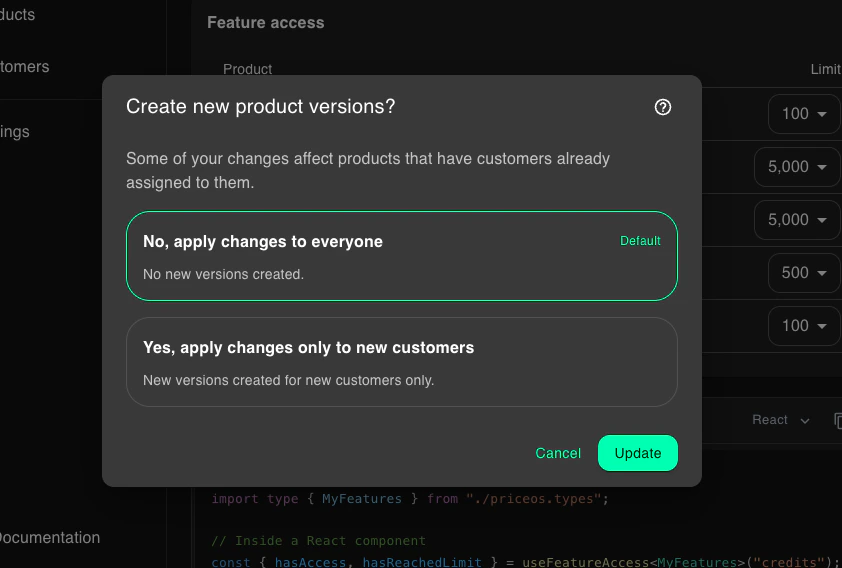
By default, all features will have a “No Access” definition for all products until you change it.
How to define feature access
You can define feature access by product or by feature.- By product
- By Feature
You can define feature access by products by clicking on any product in the products page.This is useful when you are creating a new product or migrating to PriceOS.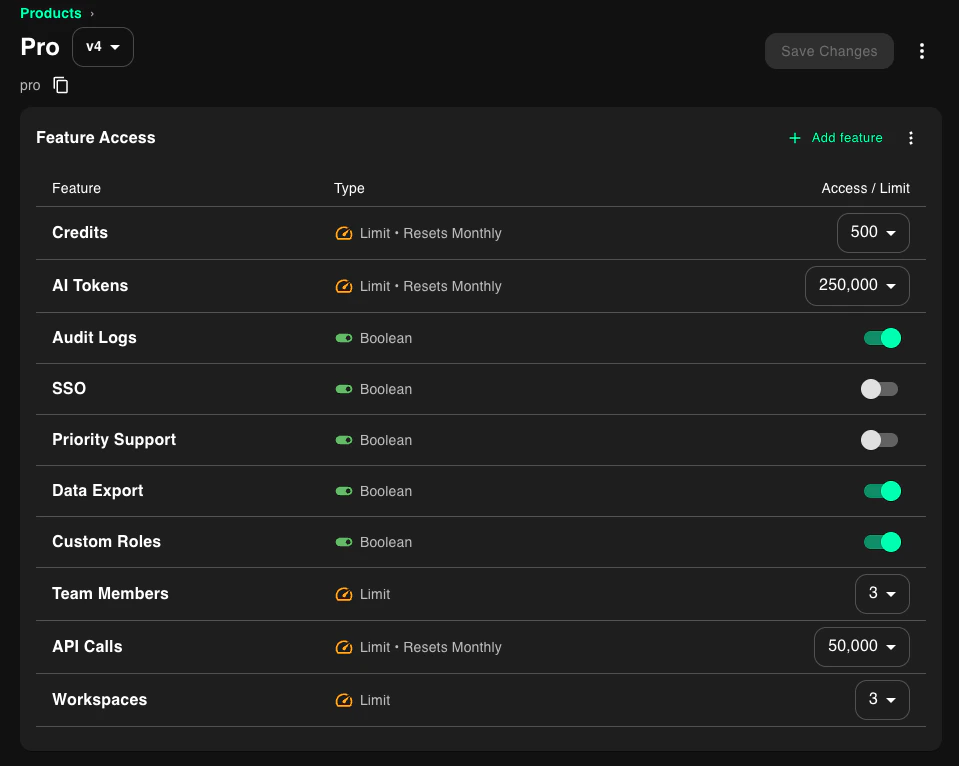
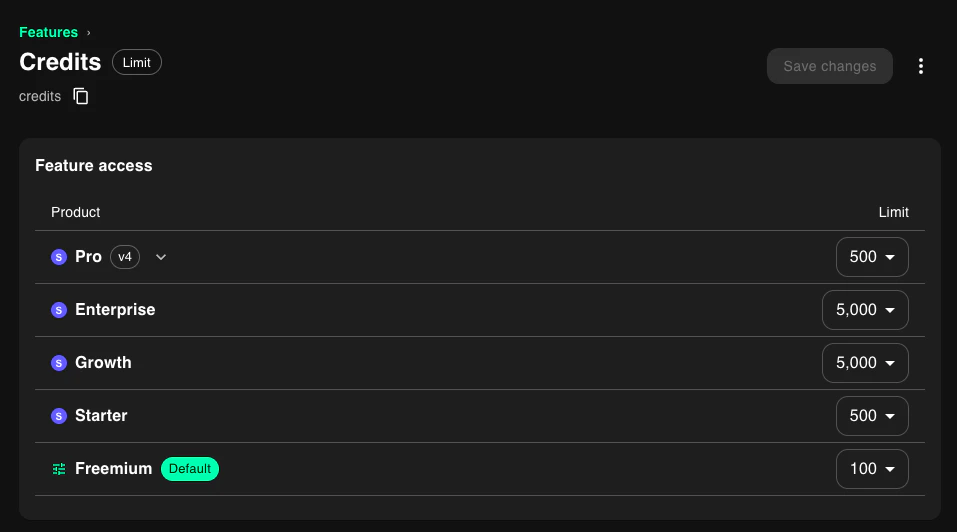
Boolean features
Define access for boolean features by toggling the switch next to the feature.
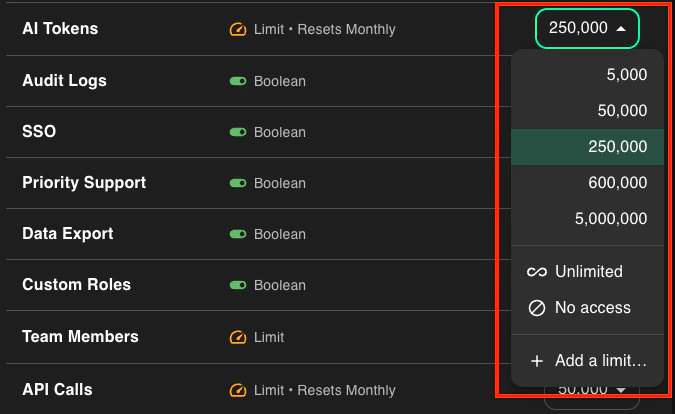
Limit features
Define access for limit features by selecting an option in the dropdown. Limit features can have the following values:- No access: Customer does not have access to the feature
- Custom limit: A numeric limit you set
- Unlimited: Customer has unlimited access
Saving changes
After you’ve made all of your changes, you need to save them by clicking the Save button.